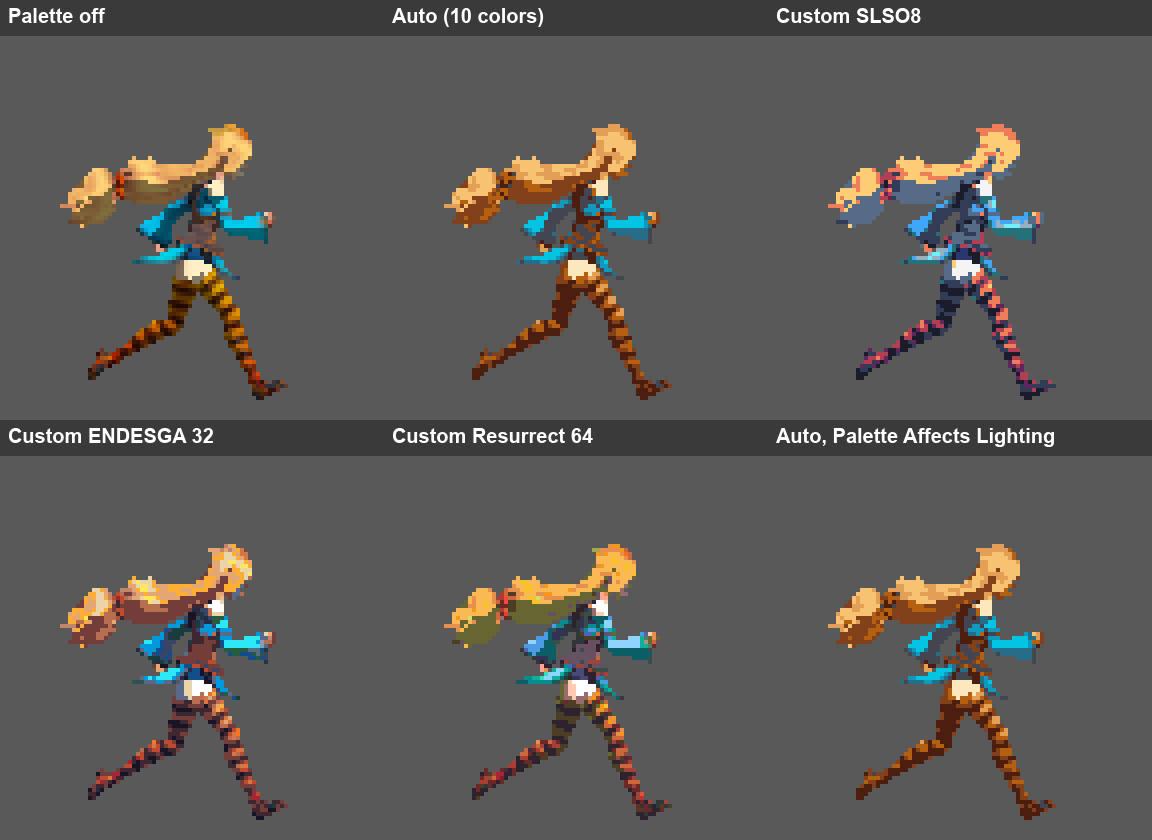
How it works
1
Create a Pixelate Asset
A Pixelate Asset is a project asset that describes one thing to turn into sprites: its source, camera views, animation clips and output settings.
2
Link a Style Profile
A Style Profile holds the look: pixels per unit and a stack of effects such as Color Palette, Lighting and Lines. Many assets can share one profile, so your whole cast stays consistent.
3
Preview
The Inspector preview shows the exact output, pixel for pixel, for any view, clip and frame.
4
Export
Export writes PNG sprite sheets, already sliced and imported with the right settings, next to your asset or into a folder you choose.
Where to start
Quick start
Your first sprite sheet in under a minute.
Pixelate Asset
Every setting of a Pixelate Asset, section by section.
Style Profiles
Share one look across many assets, with per-asset overrides.
Troubleshooting
What each validation message means and how to fix it.